Last updated: October 6, 2026. This story is still developing. The details below come from press reports and Microsoft statements published in September and early October 2026, and Microsoft has said more fixes are planned for its October update (expected on Tuesday, October 13). Always check Microsoft’s official release health page for the latest status.
Introduction: What Went Wrong With the September 2026 Windows 11 Update?
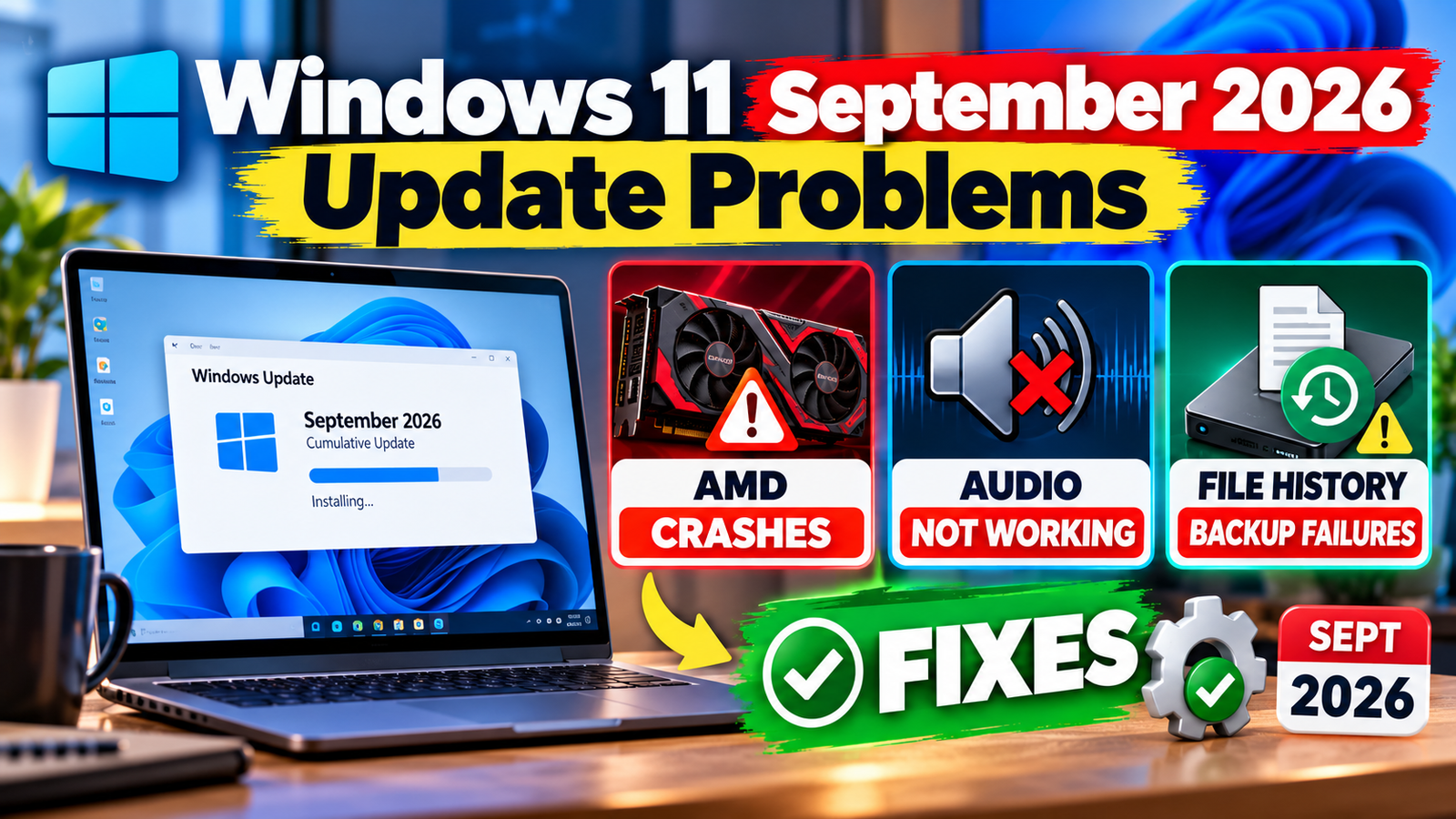
Microsoft’s monthly security update released on September 8, 2026 (KB5124008, bringing Windows 11 24H2 and 25H2 to Build 26200.9445) added long-requested features, but it also brought a run of bugs. The most common complaints are USB audio devices that stop working, crashes and black screens on PCs with AMD Radeon graphics, and a File History backup tool that fails.
This guide explains who is affected, what Microsoft has confirmed, which fixes exist, and what you can safely try today. It also tells you when it is better to wait.
Quick Answer
- Back up your important files first, and do not rely on File History alone.
- Audio problems: Microsoft has confirmed that some USB Audio Class 1.0 devices may fail. A partial fix came on September 14, and further fixes were reported to be due with the October update.
- AMD Radeon crashes: reports are widespread, and an official Microsoft fix had not been published at the time of writing. Try the steps below or consider uninstalling the update temporarily.
- File History: an optional update (KB5124010, released September 22) was reported to fix it, though one later report says that update caused a new audio crash on some PCs.
- Do not leave your PC unpatched for long. Security updates fix real vulnerabilities.
Known Problems at a Glance
| Problem | Who is affected | Status (early October 2026) | What to do |
|---|---|---|---|
| USB audio stops working, Code 10 error, no sound or microphone | Some USB Audio Class 1.0 headsets, speakers and microphones | Confirmed by Microsoft. A September 14 emergency update fixed multichannel and 3D audio symptoms; remaining problems were reported to wait for the October 13 update | Use the audio fixes below; try another output such as HDMI or Bluetooth meanwhile |
| Crashes, driver timeouts, black screens | PCs with AMD Radeon graphics; reports named models such as RX 6600, RX 7700 XT, RX 7800 XT, RX 7900 GRE, RX 7900 XTX and RX 9070 XT | No official Microsoft fix reported as of late September; reinstalling the driver did not help for many | Try the AMD steps below or uninstall the update temporarily |
| File History not detecting the backup drive or failing | People who use File History to back up files | Fix reported in optional update KB5124010 (September 22), with a later report of a new audio crash on some PCs | Check File History, consider the optional update and add a second backup |
| Remote Desktop and Linux-based virtual machines (WSL) problems | Some business users and developers | An emergency update on September 14 (KB5129195) was reported to fix them | Install the latest update through Windows Update |
| File Explorer crashes and black screen | Mainly some business and enterprise PCs | Microsoft said it was investigating | Restart Explorer and install the latest updates |
Before You Start: Protect Your Files
- Copy your key documents and photos to an external drive or cloud storage by hand.
- Check your File History backup actually contains recent files, since it may have silently failed.
- Create a restore point: search for Create a restore point in the Start menu and click Create.
- Write down your Windows version: press the Windows key plus R, type winver and press Enter.
How to Check Whether You Have the Update
- Open Settings, then Windows Update.
- Click Update history.
- Look for KB5124008 (installed around September 8 or later). Later updates, such as KB5129195 or KB5124010, may also be listed.
Fix 1: USB Audio Not Working
- Unplug and reconnect the device, and try a different USB port.
- Restart Windows (not just shutdown) and check again.
- Open Settings, System, Sound and check that the right output device is selected and the volume is up.
- Open Device Manager and look for a device with a yellow warning or a Code 10 error.
- Run the audio troubleshooter: Settings, System, Troubleshoot, Other troubleshooters, Playing Audio.
- Use another output for now, such as HDMI, a headphone jack or Bluetooth.
- Install the latest Windows updates and any optional update shown in Windows Update, since Microsoft has been releasing fixes.
If the problem began right after the update and nothing helps, see the uninstall steps below. Do this only if you are comfortable with the trade-off.
Fix 2: AMD Radeon Crashes and Black Screens
- Download the latest AMD Adrenalin driver for your card from AMD’s official support site and install it. Choose a clean installation if the installer offers it.
- Restart and test the same game or app that crashed.
- Turn off overclocks and tuning software such as MSI Afterburner or manual memory profiles, and test again.
- Check temperatures using a monitoring tool such as HWiNFO if crashes happen under load.
- Check Windows Update for any newer cumulative or optional updates.
- Try uninstalling the September update (steps below) if crashes began right after it and nothing else helps.
Reports suggest reinstalling the driver does not always help with this problem, which is why many guides recommend the update rollback as a last step.
Fix 3: File History Not Working
- Open Control Panel, System and Security, File History and check whether it shows your drive.
- Reconnect the external drive and make sure it appears in File Explorer.
- Choose Select drive and set it again if needed.
- Open Settings, Windows Update, Advanced options, Optional updates and install KB5124010 if it is offered. Check later reports about it before installing.
- Back up manually or with another tool such as OneDrive or a third-party backup program until you are sure File History works.
How to Uninstall the September Update (Last Resort)
- Open Settings, Windows Update, Update history.
- Scroll down and click Uninstall updates.
- Find the September 2026 update (KB5124008) and click Uninstall.
- Restart your PC.
- Go back to Windows Update and pause updates for a short period so it does not reinstall immediately.
Trade-off: removing a security update leaves you without its protections. Reinstall updates as soon as Microsoft confirms a fix. If you are unsure, ask your IT support or a trusted technician.
Should You Install the Update Now?
| If you are… | Suggested approach |
|---|---|
| A home user with an AMD Radeon graphics card | Consider pausing updates briefly if you have not installed it, and watch for Microsoft’s fix |
| Using a USB headset, speaker or microphone for work or study | Be ready with a backup audio option, or wait for the October fix |
| Relying on File History | Add a second backup before updating |
| An IT administrator | Test on a small group first and review Microsoft’s release health notes |
| Running Windows 10 or an older Windows 11 version | Check your support status and update path on Microsoft’s website |
Mistakes to Avoid
- Do not download driver updater tools or fixes from random websites.
- Avoid registry tweaks you do not understand from forum posts.
- Do not disable Windows security updates permanently.
- Do not reset Windows before trying the simple steps and backing up your data.
- Do not ignore failed backups. Test that you can restore a file.
Frequently Asked Questions
Is it safe to uninstall the September update?
It is possible, but you lose that month’s security fixes. Do it only if problems are serious, and reinstall updates when a fix is available.
When will Microsoft fix the audio problem?
Reports said Microsoft intended to resolve the remaining audio issues with its October update, which is scheduled for Tuesday, October 13, 2026. Check Microsoft’s release health page for confirmation.
Why are only some AMD graphics cards affected?
Reports list many recent Radeon cards, but not everyone with those cards has problems. Driver versions, games and system settings can all play a role.
Do I need to reinstall Windows?
Almost never. Try the steps above, and use an update rollback or a system restore point before considering a reset.
Where can I check the official status?
Microsoft publishes known issues and fixes on its Windows release health page. Press coverage can be useful, but always confirm with Microsoft.
Sources and Official Links
- Microsoft Windows release health
- Microsoft Support
- AMD Support and drivers
- PCWorld
- Windows Latest
- Tom’s Hardware
Update Log
| Date | Change |
|---|---|
| October 6, 2026 | First version, based on September and early October 2026 reports |
Related Guides
If a game crashes after updating, see our guide to fixing Aion 2 crashes and black screens, or learn how to fix game lag on a low-end laptop.



Leave a Reply